Generate GST-compliant Delivery Challans for job work, stock transfer, approval, exhibition, repair, return, transportation without sale and warehouse movement with Sleek Bill.
A Delivery Challan is issued when goods are transported without issuing a tax invoice. It acts as proof of movement of goods and is commonly used for stock transfers, job work, exhibitions, approvals, repairs, testing, replacement, returns and warehouse transfers.
Unlike a tax invoice, a Delivery Challan does not demand payment. It records movement between locations or parties.
Having a Delivery Challan in place enables business to adhere to GST procedures, keep an eye on goods movement, control inventory, generate E-Way Bill, lower transportation conflicts, and keep ready audit records.
Lack of genuine Delivery Challans could lead to the business experiencing discrepancies in inventory, problems with adherence and may also cause confusion during dispatch.
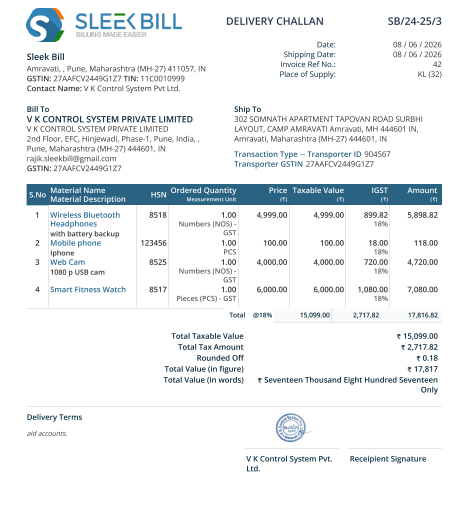
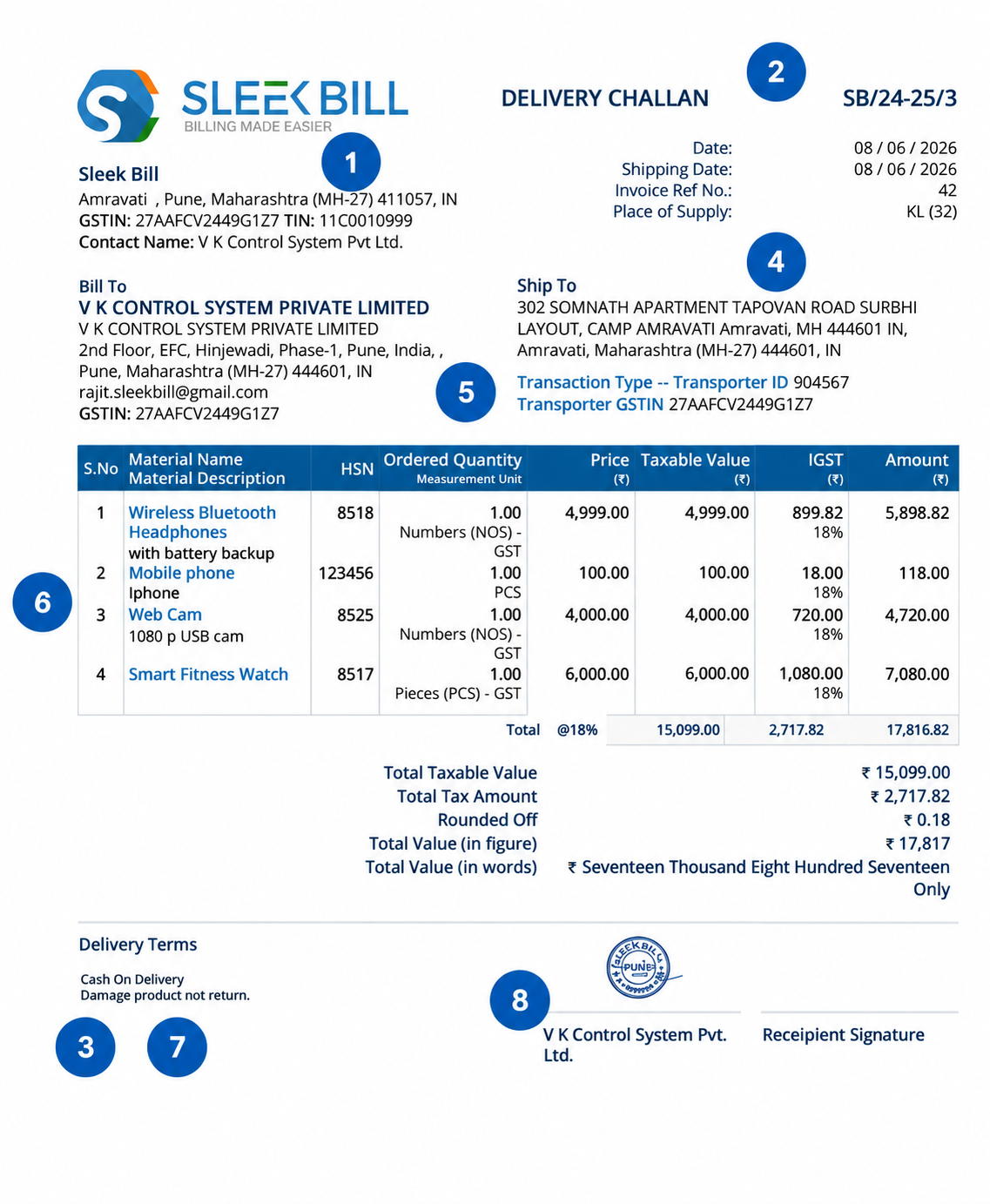
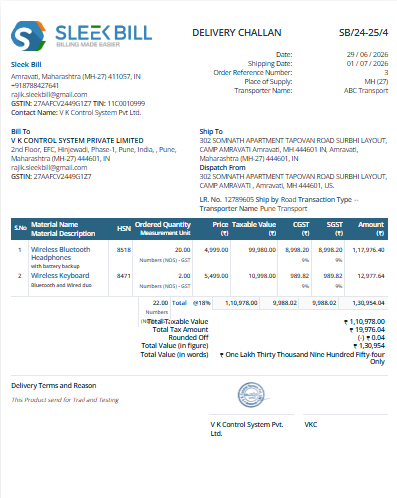
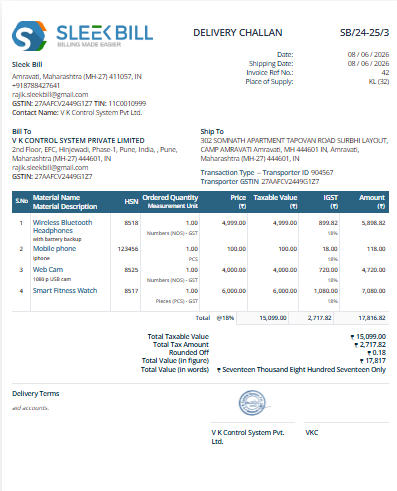
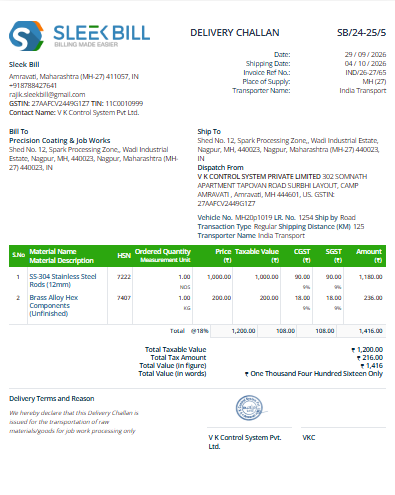
This visual sample explains universal Delivery Challan fields used for GST, transport, inventory, warehouse and audit records.
Shows sender company identity, GSTIN, address and contact details.
Unique document number and date help tracking and audit readiness.
Clearly mentions job work, stock transfer, repair, testing, approval or exhibition.
Shows where the goods are being sent, including customer or vendor details.
Vehicle number, transporter name and LR number help logistics tracking.
Item name, HSN, quantity, unit and remarks show actual goods movement.
Helps track whether goods are expected back from customer, vendor or job worker.
Confirms purpose of movement and validates the document professionally.
These are dummy downloadable cards for design placement. Replace them later with your actual templates.
For regular goods movement without immediate sale.
Use this section to explain your actual software workflow. Dummy screenshot area is included for later replacement.
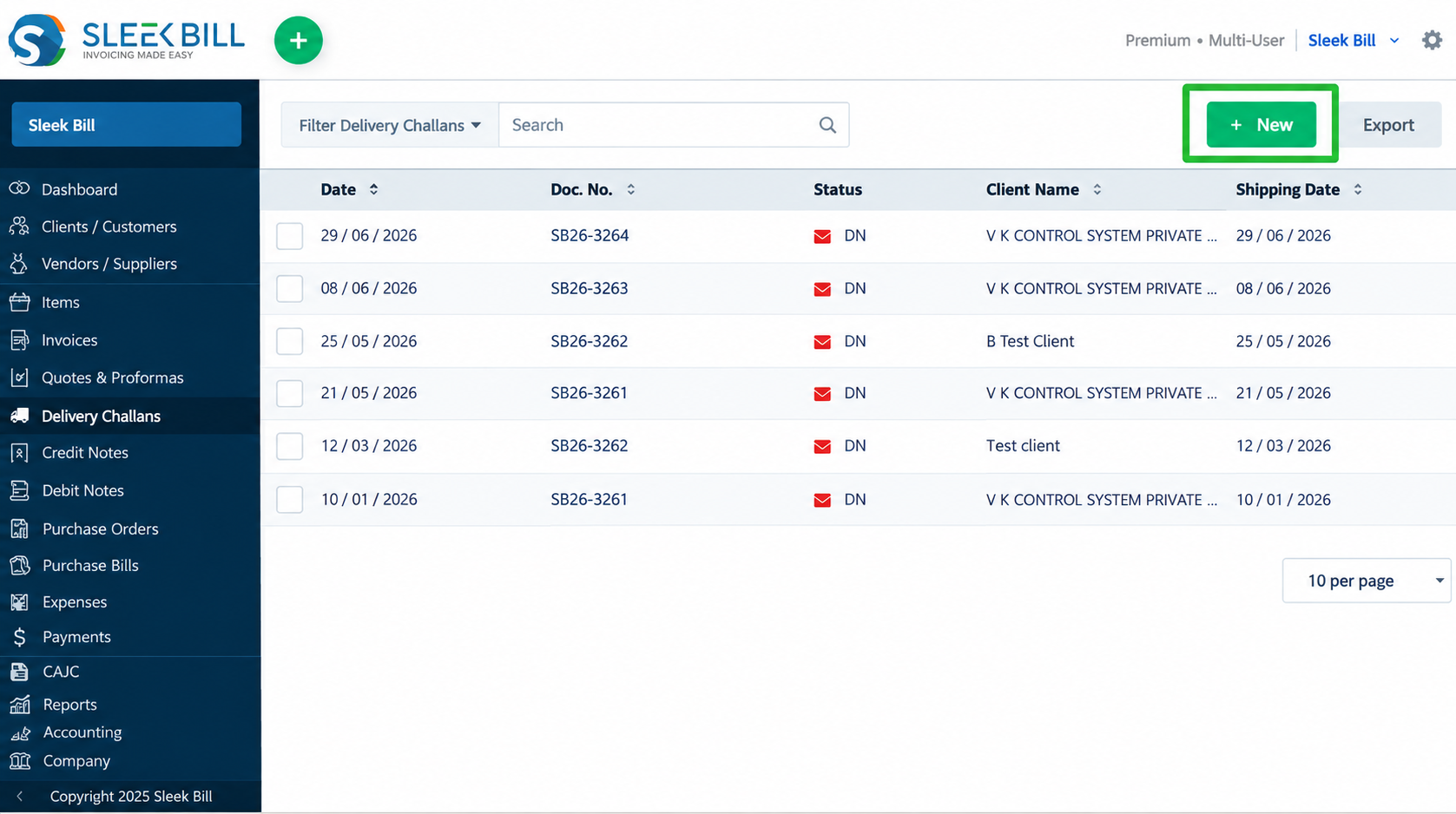
Open Sleek Bill and select the Delivery Challan option from the dashboad left menu. This starts the goods movement document without creating a tax invoice.
Select the party to whom goods are being sent. GSTIN, billing address will automaticly add. Select shipping address and delivery location for clear tracking.
Add tansporter Name, shipping date, PO number etc.
Select items, HSN code, quantity, unit, remarks and value if required. For returnable goods, mark whether items are expected back.
Add vehicle number, transporter name, LR number, dispatch through, mode of transport and distance wherever needed for movement records or E-Way Bill.
Check challan number, date, delivery address, item details, transport details, declaration and signature before generating the final document. Click on preview and save.
Download the Delivery Challan as PDF, print it for dispatch, or email it to the customer, vendor, branch or logistics partner.
If the movement requires an E-Way Bill, use the Delivery Challan details to generate or prepare E-Way Bill information accurately.
Sleek Bill helps you convert a Delivery Challan into an invoice when goods movement later becomes a sale.
Record goods movement without sale.
Customer confirms goods or order.
Use same item details for billing.
Invoice, stock and audit records stay linked.
Delivery Challans are used whenever goods move without immediate sale or invoice generation.
Send raw materials or semi-finished goods to vendors for processing.
Move stock between branches, warehouses or business locations.
Send goods for servicing, repair, testing or quality checks.
Send products to exhibitions, demos, fairs and trade shows.
Send goods to customers for approval before final sale.
Track goods that are expected to come back later.
Use challans for export shipment movement before invoice.
Send product samples or promotional goods without sale.
Monitor goods returned, pending returns, due dates, vendor returns, customer returns and replacement tracking. This helps businesses avoid stock loss and follow up on pending materials.
Delivery Challans can update available stock, reserved stock, warehouse stock, branch stock and job work inventory, keeping your inventory records aligned with dispatch activity.
Both documents are important, but they are used for different purposes.
Monitor Delivery Challan Register, pending returns, stock transfers, warehouse movement, customer-wise challans, product-wise movement, job work register, dispatch reports, vehicle reports and transport reports.
Sleek Bill support small businesses to create GST-compliant Delivery Challans, track accurate inventory movement, generate E-Way Bills, manage stock transfers, handle job work, convert challans to invoices and maintain audit-ready records.
Click any question to expand the answer.
Create professional and GST-compliant Delivery Challan. Track inventory, manage stock transfers, generate E-Way Bills, and Quick convert Delivery Challans into invoices with Sleek Bill.