Send a estimate
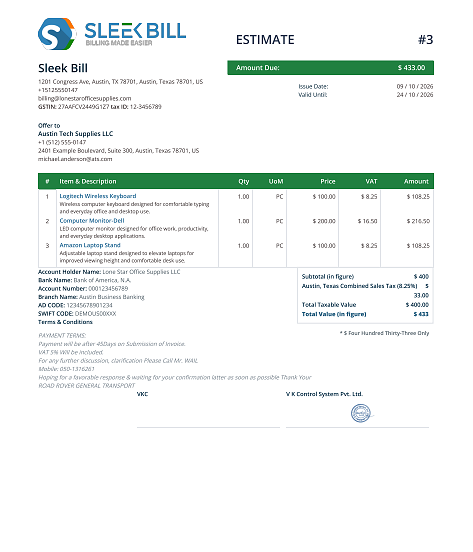
Add the customer and describe the shelving, delivery and installation. Agree on the price and payment terms.
Explore estimates →Sleek Bill helps you prepare estimates, create invoice after completing the work or selling products. Check which customers have paid and who still needs to pay you. Keep track of your products and purchases. You can runs Sleek Bill on your browser, with inventory and purchasing tools available on supported plans.
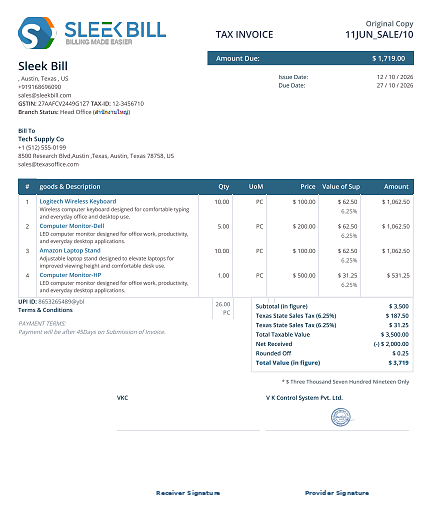
This example explains how a small business manages a customer's order, from giving estimates to giving invoice after work done and receiving the payment.
Add the customer and describe the shelving, delivery and installation. Agree on the price and payment terms.
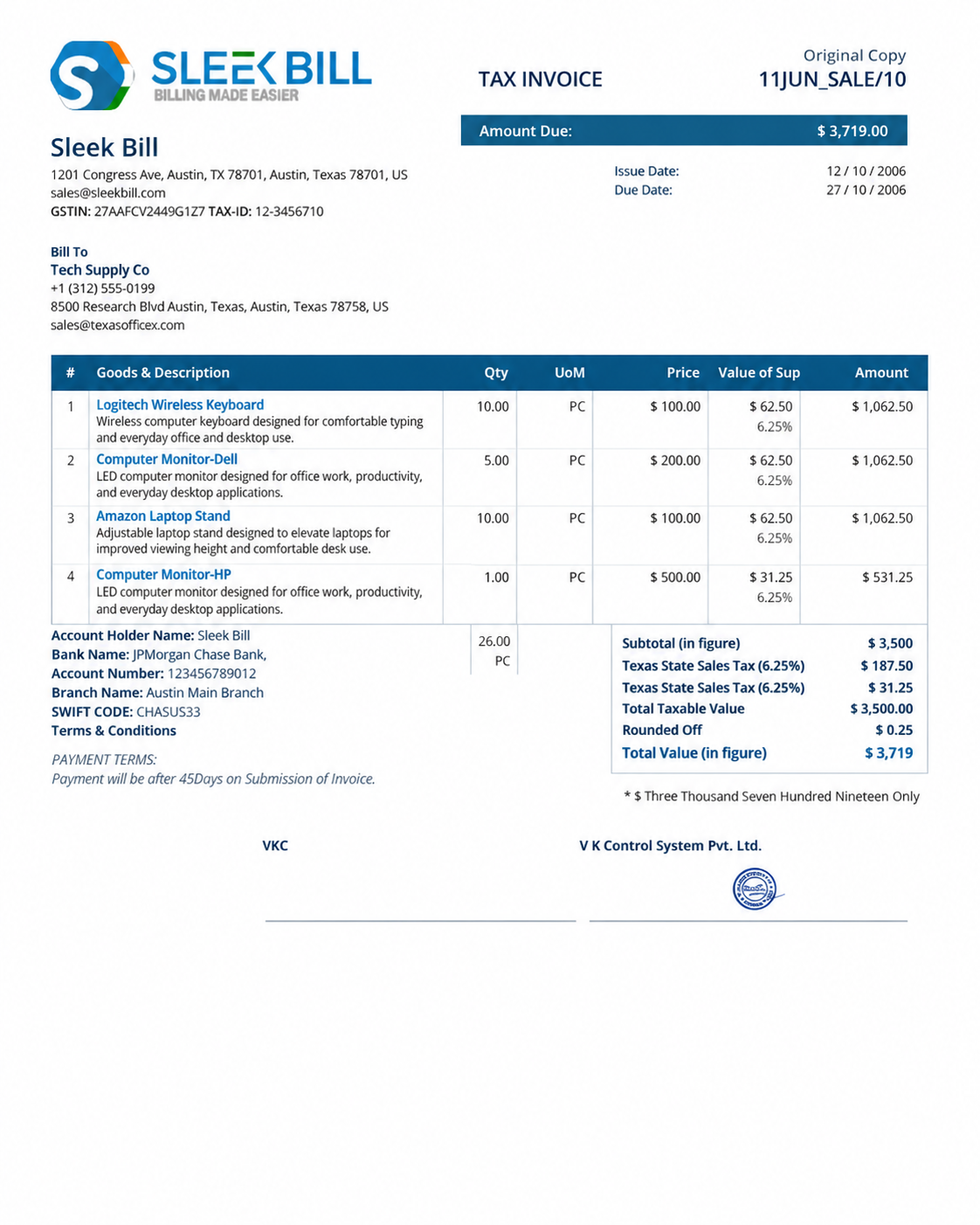
Explore estimates →Enter the products, quantity and prices agreed in estimates, then check the currency, due date and local tax applied or not before sharing it. select payment terms, overview the totals.
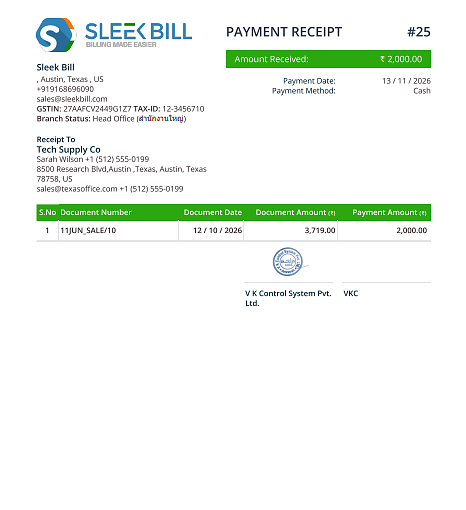
Explore invoicing →When the owner receives $450 toward the $1,200 invoice through the customer's chosen payment method, record the payment against the invoice. The remaining balance will be $750.
Check the invoice status and outstanding balance. Record the final $750 when received and confirm the balance is zero.
For multi-user plan: Multi-user plan supports, inventory person to use the same product details for purchases and for salesperson to sale same product, then check stock movements. This helps the business track stock coming in and going out. Note: Services like installation are not physical products, so they are not counted as stock.
A clear invoice improves compliance, customer confidence and payment collection.
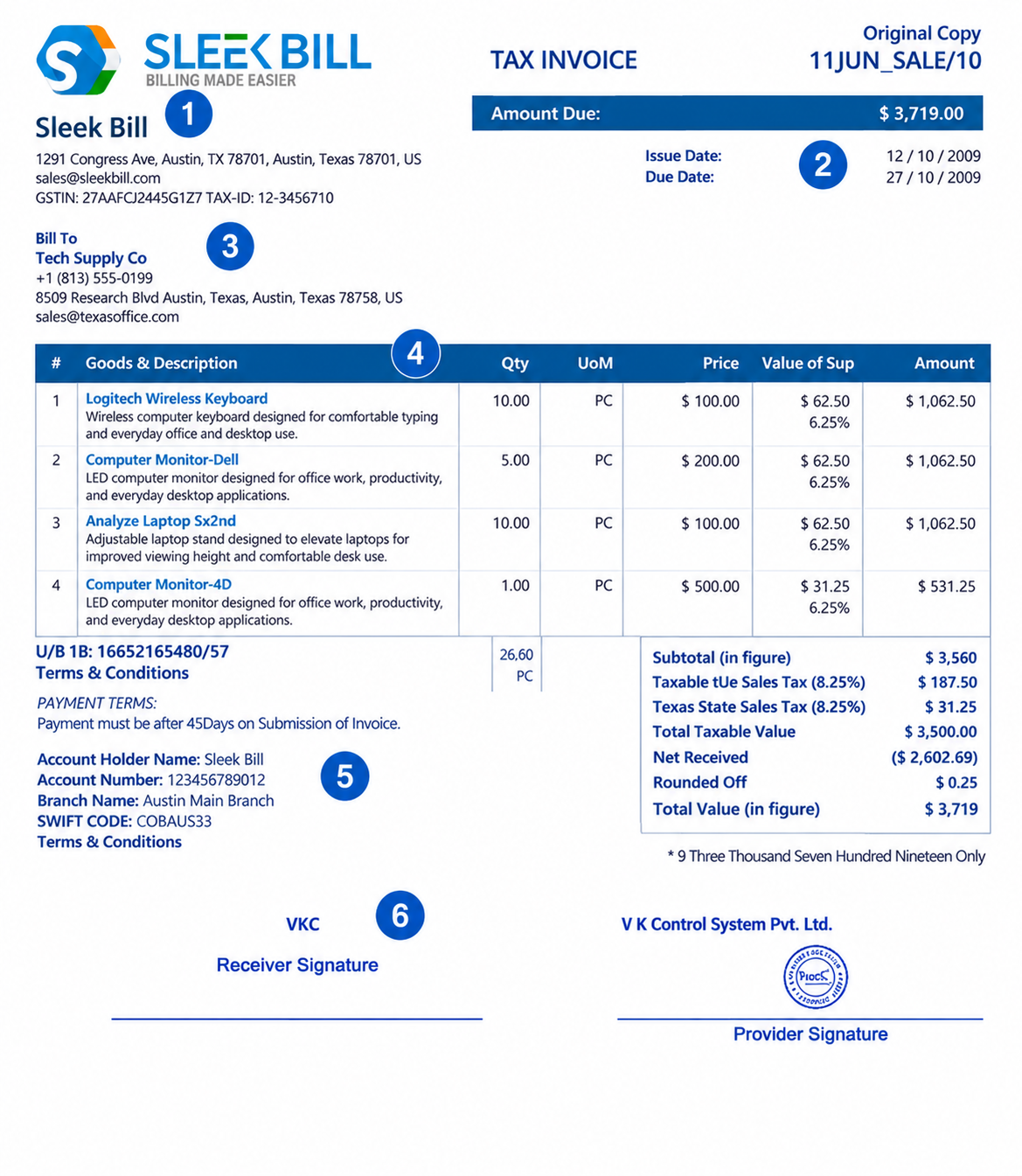
Add logo, Company Name, Tax ID, address and contact information.
Select issue date, till date invoice vallid.
Store TAx-ID, billing address, shipping address and payment terms.
Show product, HSN/SAC, quantity, rate, discount and taxes.
Add QR code, bank details, due date and credit terms.
Include notes, terms, warranty details and signature.
Inventory updates automatically when purchases and sales are recorded.
Track current quantity, stock value, low stock, batch, serial number and item movement.
Find products quickly by scanning barcodes or entering product codes.
Example: Scan a product's barcode to find it quickly and add it to a customer's invoice.
Example: If you sell 50 mobile phones, you can track each phone using its unique serial number.
Keep track of product batches and unique serial numbers.
Example: If only 5 packets of a product are left, you can plan to buy more before they run out.
Get alerts when product stock is running low so you can order more on time.
Example: If only 18 packets of a product are left, you can plan to buy more before they run out.
Check the total value of the products available in your stock.
Example: If you have 100 products worth ₹200 each, your total stock value is ₹20,000.
Download the format of every documents your business needs.
Create invoice for your customers and keep track of how many products you purchase and sell. If your business needs stock and purchase management, check the inventory features like purchase bills and inventory reports and multiple reports available in the paid plans before choosing one.
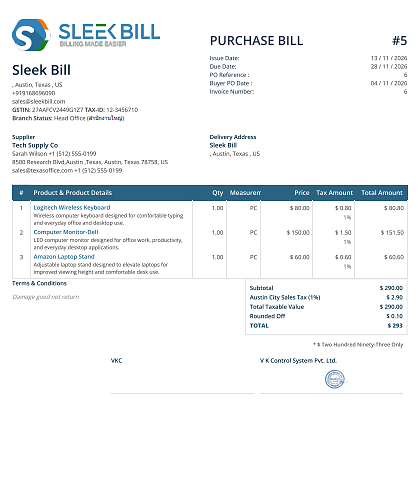
Explore inventory →Use Multi User to record supplier purchase orders and purchase bills. Review stock and supplier records before placing another order.
See the purchase workflow →Quote the scope and fees, invoice by agreed milestones and track partial payments. For overseas work, check the currency and conversion settings before billing.
Explore multi-currency invoicing →Create estimates and share the best prices with customers. Once the deal is confirmed, send invoices. Receive payments, record them and send receipts to customers. You can also manage your stock and purchases online. An internet connection is required.
Start with Online →If you want to create bills without using internet, install the separate Sleek Bill Desktop software on your computer.
Explore Desktop →The Android app has its own mobile billing workflows. Check Google Play and confirm whether the features you need are supported in your country and account.
View Android app →Features, plans, workflows and user interfaces may differ between versions. Explore the Online, Desktop and Android versions before choosing.
$0 / month
Up to 10 documents per month, with Sleek Bill branding and basic reports.
$69 / year
Unlimited documents, no Sleek Bill branding on documents and inventory management.
$99 / year
Premium features, up to five users, purchase orders, purchase bill entry and inventory reports.
Published global Online prices in USD. Confirm taxes, checkout price and local feature availability. Compare current plans →
Currency, tax fields and reporting depend on your country, plan and settings.
GSTIN, HSN/SAC and CGST, SGST or IGST fields are India-specific. Eligible businesses can explore e-invoicing and e-way bill workflows on supported plans.
Explore India GST billing →Explore the Sri Lanka VAT invoice template and confirm the setup that applies to your business.
Explore Sri Lanka VAT billing →Before using Sleek Bill for international business, check whether its currency, exchange rate, tax and reporting features meet your country's requirements.
Review multi-currency invoicing →Yes. you can use Sleek Bill Free Forever which allows to create up to 10 documents per month with Sleek Bill branding. then if you need more invoice or purchase bill you can convert into paid plans.
Yes. you can record the partial paid amount received against the invoice in Sleek Bill and you can track pending payment also.
All Sleek Bill plans include inventory and purchase orders, purchase bill entry and inventory reports.
Sleek Bill documents multi-currency invoicing. Test your invoice currency, exchange rate and local tax fields before issuing a live document.
Online requires an internet connection. Sleek Bill Desktop is a separate installed edition for local billing.
Yes. Sleek Bill is designed for startups, MSMEs, retailers, wholesalers, manufacturers, service providers, traders and distributors.
Yes. Sleek Bill is designed for startups, MSMEs, retailers, wholesalers, manufacturers, service providers, traders and distributors.Yes. Sleek Bill is available through desktop, cloud and Android app.
Yes. Record and categorize rent, electricity, salary, advertising, fuel, repairs, software, equipment and other expenses.
Start with one customer, one quote and one invoice. If your team also buys and sells stock, ask for a demo of the purchase-to-stock workflow.